Confluent Current Conference Openers
KEYWORDS: GENERATIVE AI, ANIMATION, ROTOSCOPING, BRANDING, COMPOSITING
PROJECT TIMELINE
4 WEEKS PER PROJECT
TECHNOLOGY USED
- Weavy – Wan 2.2 Animate, Kling 2.5 Pro, Seedance 1.5 Pro, Veo 3.1
- Comfy UI – SAM2 Object detection and background removal
- Topaz AI Upscaler
- Adobe After Effects
- Mocha AE
Current 2025 Opener
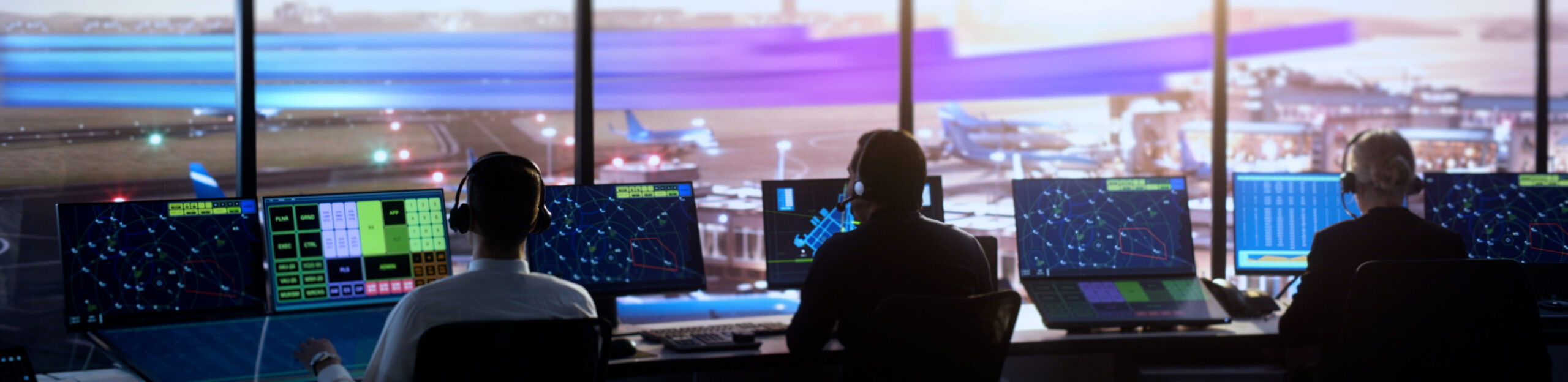
Our team was challenged to create a fully Gen-AI opener for Confluent’s 2025 Current event. We utilized images generated in Midjourney as characters and a storyboard, then used Nano Banana Pro to edit the storyboards to get a variety of perspectives of each location with consistent characters. These frames were fed into a variety of Image to Video models in Weavy to create the clips. Final compositing and upscaling were done in After Effects and Topaz.
CONTROLLING GENERATIVE AI
I was given particularly difficult shot where the client wanted a specific performance that our team was struggling to achieve with traditional prompting. After some RnD, I found that the best way was to record myself via webcam acting out the performance and using Wan 2.2 Animate to drive the generated actor with my performance. What started as a lottery became an iterative process that we could art direct.
NEW ANGLE NO PROBLEM
We found that it was relatively easy with the right tools to take an existing shot and expand it to a completely different view. I did this with one shot in particular where we wanted a different angle and time of day with a new UI displaying on the actor’s phone. I was able to generate a version of the UI which I edited in Photoshop and then composite it into the new shot frames I created. Once the two were together, I generated a video to get the right motion. Finally, I took the shot into After Effects and created some custom motion for the UI on the phone and tracked it in.
RAPID GREENSCREENING
Generated AI video has gotten great, but it still struggles with fine text on objects. There were a couple shots where we needed to pull out the actors from the video to replace text or fix a problem. To keep from slowing down our pipeline with tedious rotoscoping, I developed a Comfy workflow to extract the keys automatically with minimal clean up in a fraction of the time.
Current 2022 Opener
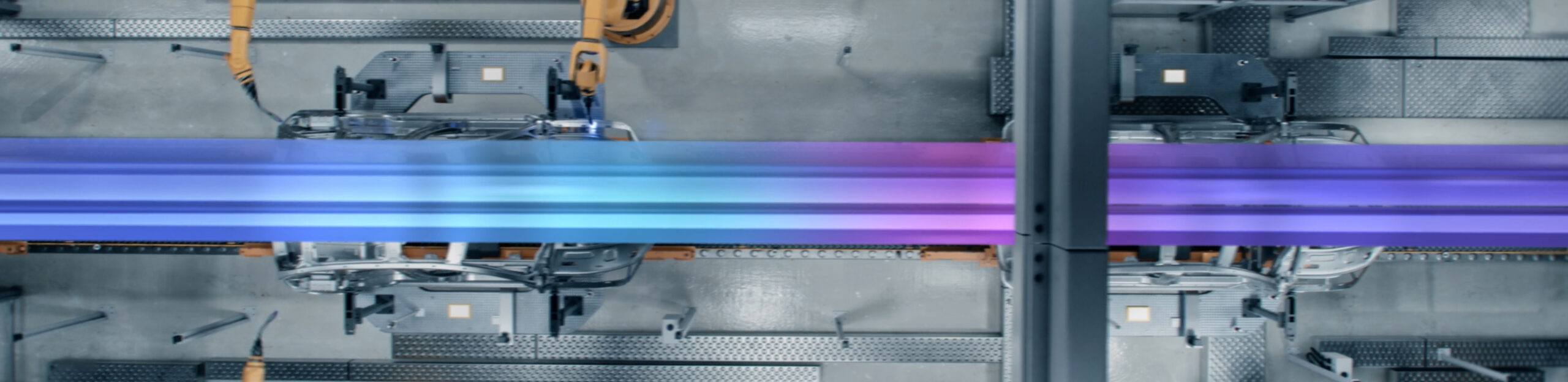
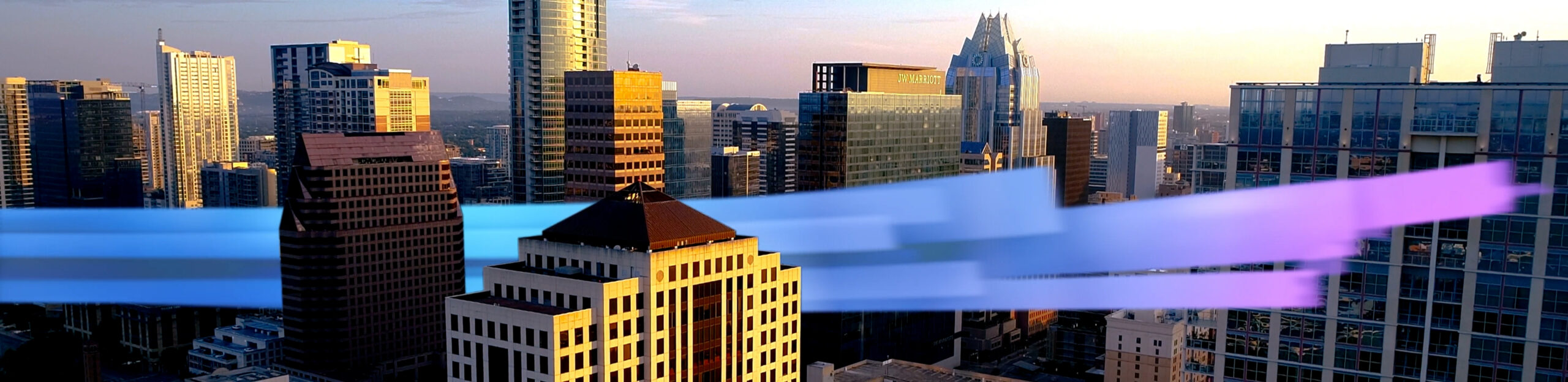
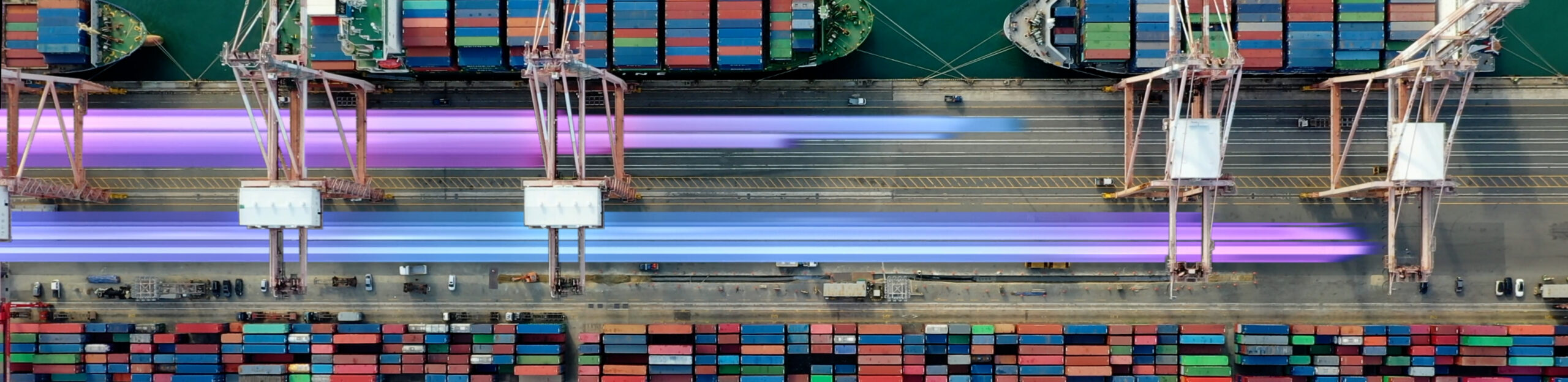
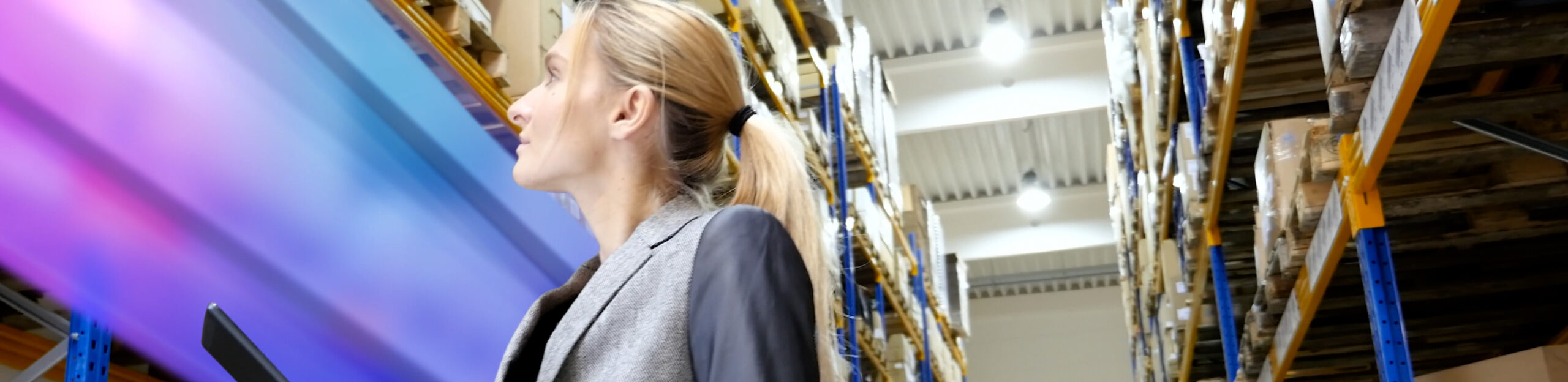
iBelieveinSwordfish was tasked with creating a conference opener for Current that visually showcased their blazing fast advancements which impact a wide-variety of industries. I worked as the primary roto-artist using Mocha and built-in AE tracking and roto tools. Also, I assisted with some compositing for this piece.
ROTOSCOPED SHOTS